PowerPoint如何做得有声有色?其中一个秘诀就是要加入背景音乐,但是背景音乐要怎么加呢?下面就为你分享如何在powerpoint中插入背景音乐的详细步骤。
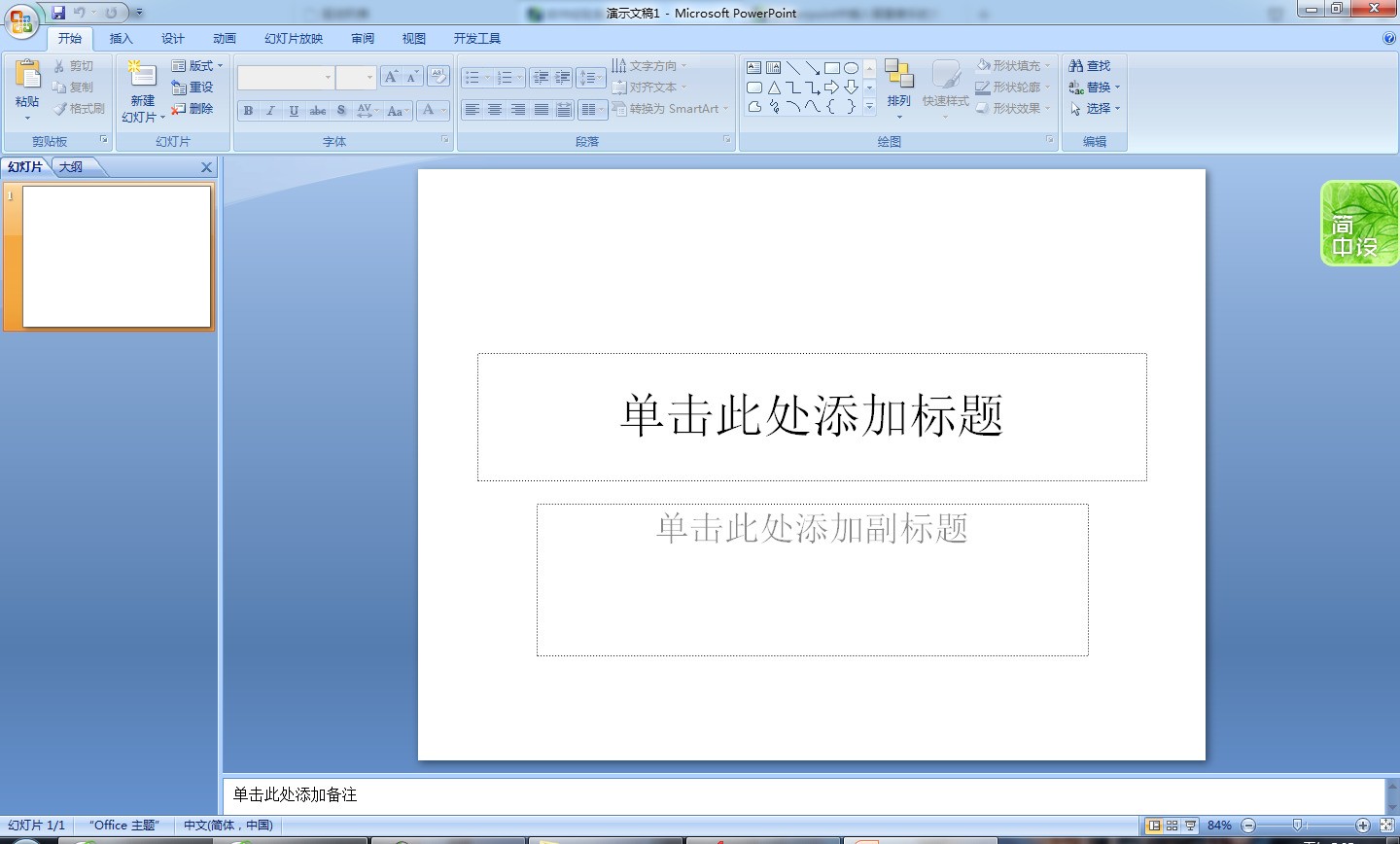
1、首先打开PowerPoint
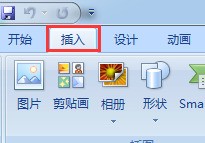
2、点击上方“插入”按钮
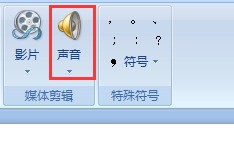
3、点击“声音”
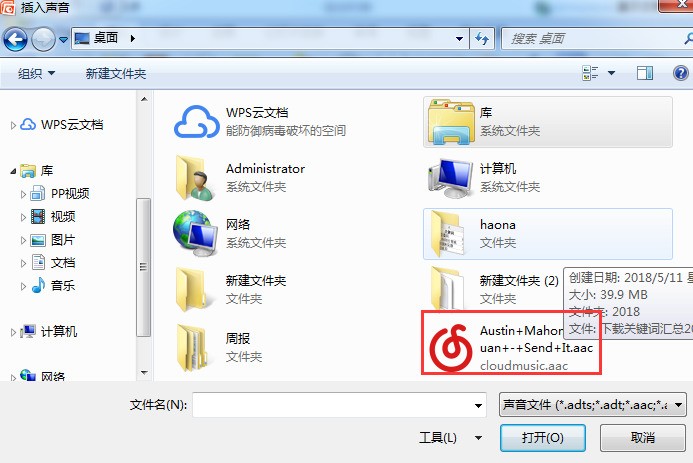
4、弹出文件选择框,选择想要插入的音乐,选好后点击“确定”
5、点击确定后出现播放设置提示,根据自己需求选择

6、选择好音乐文件后,PPT页面会出现一个小喇叭的图标,这就是插入的音乐文件,当我们按F5播放时,背景音乐就会自动播放了

PowerPoint如何做得有声有色?其中一个秘诀就是要加入背景音乐,但是背景音乐要怎么加呢?下面就为你分享如何在powerpoint中插入背景音乐的详细步骤。
1、首先打开PowerPoint
2、点击上方“插入”按钮
3、点击“声音”
4、弹出文件选择框,选择想要插入的音乐,选好后点击“确定”
5、点击确定后出现播放设置提示,根据自己需求选择
6、选择好音乐文件后,PPT页面会出现一个小喇叭的图标,这就是插入的音乐文件,当我们按F5播放时,背景音乐就会自动播放了


